
Personal without guessing sizes
Choose the exact iPhone model first, then add a design that fits the person receiving it.
Choose the exact iPhone model first, then add a design that fits the person receiving it.
Use a photo, name, phrase, pet, trip memory, or small collage to make a gift that stays useful every day.
Create an account to save designs, come back later, and track orders from one place.
Keep the design personal, readable, and tied to the recipient's exact phone model.
For newer iPhone models, choose the model first so the case order stays tied to the right camera layout and device size.
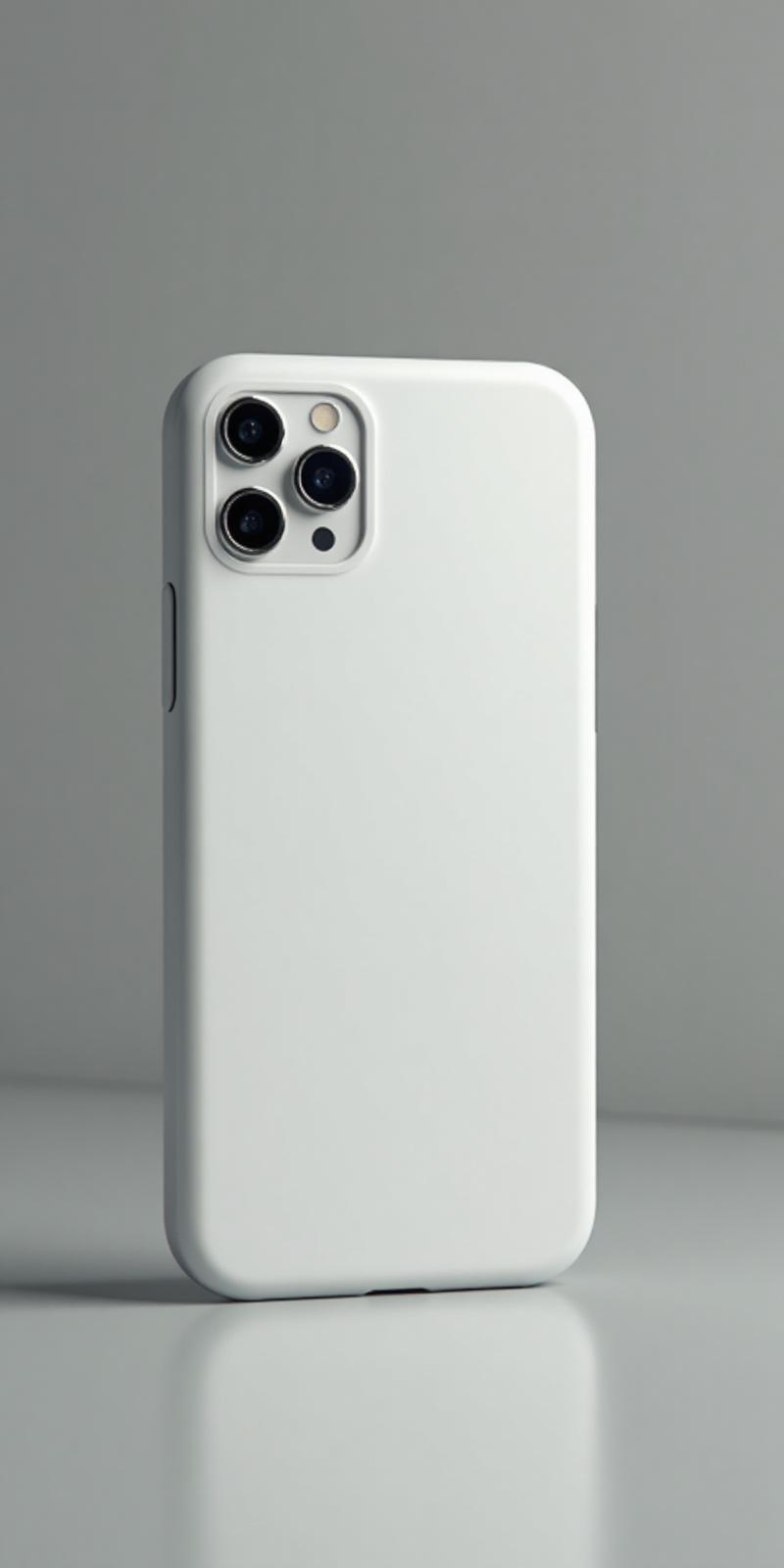
A clean photo, initials, a phrase, or a small collage can make an iPhone case feel personal without making the design crowded.
If you are buying for someone else, save the phone model and gift idea before you start designing so checkout stays focused.
Choose the model first, then personalize the case.
Apple
Personalize this model with a photo, design, or message.
View detailsApple
Personalize this model with a photo, design, or message.
View detailsApple
Personalize this model with a photo, design, or message.
View detailsApple
Personalize this model with a photo, design, or message.
View detailsApple
Personalize this model with a photo, design, or message.
View detailsApple
Personalize this model with a photo, design, or message.
View details