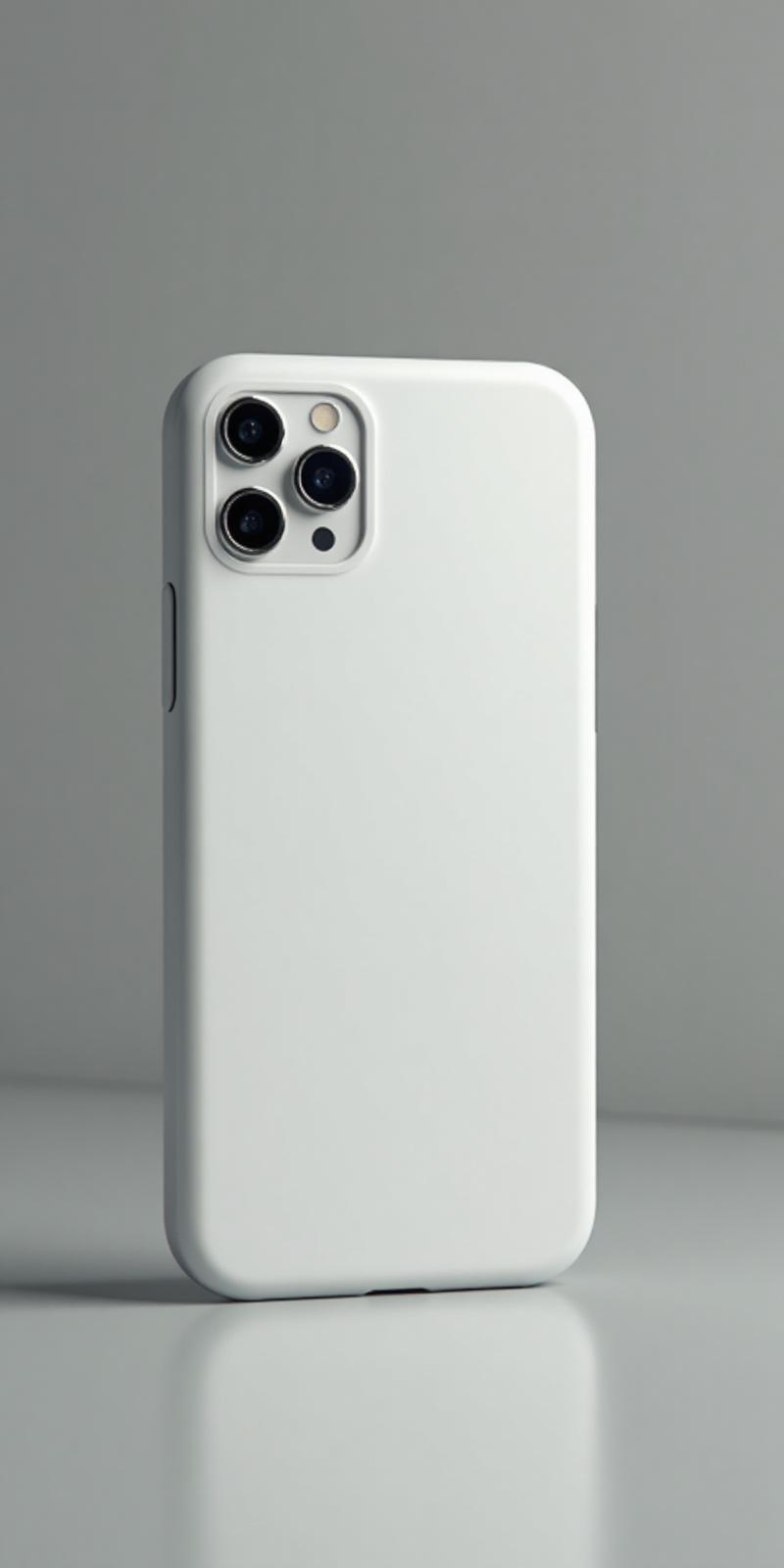

One favorite photo
Choose a pet, trip, family, or celebration photo that already means something to the person receiving it.
Custom Phone Case Gifts
Confirm their exact phone model, add something meaningful, and preview the case before checkout.
No gift design yet? Start with one photo, one memory, or one short message.
A simple place to start
Choose a pet, trip, family, or celebration photo that already means something to the person receiving it.
Use initials, a date, an inside joke, a team color, or a short message that feels specific to your relationship.
Keep the design focused, then use the preview to check faces, text, and spacing before adding the case to your cart.
Before you begin
Check the recipient's phone settings or ask them for the full model name. The model determines the case size and camera opening, so this quick check prevents the most avoidable gift mistake.
Keep the design personal, readable, and tied to the recipient's exact phone model.
For partners, friends, or family, turn one meaningful detail into the design: a pet, favorite trip, inside joke, initials, or a small date.
For group gifting, pick a design theme first, then ask only for the phone model so the person receiving it does not have to manage the order.
For practical gifting, a phone case works because it is used every day and can still carry a personal memory without needing extra shelf space.
Choose the model first, then personalize the case.
Apple
Personalize this model with a photo, design, or message.
View detailsApple
Personalize this model with a photo, design, or message.
View detailsApple
Personalize this model with a photo, design, or message.
View detailsSamsung
Personalize this model with a photo, design, or message.
View detailsSamsung
Personalize this model with a photo, design, or message.
View detailsSamsung
Personalize this model with a photo, design, or message.
View detailsBefore checkout
Confirm the recipient's exact iPhone or Samsung model. Phone cases are model-specific, including the size and camera opening.
Yes. You can upload an image, add text, and use the preview to check the layout before checkout.
Yes. The design flow includes a preview step before you add the custom case to your cart.